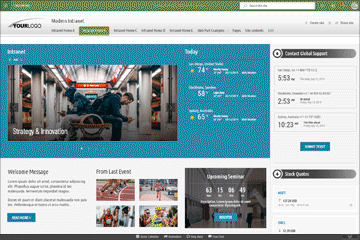
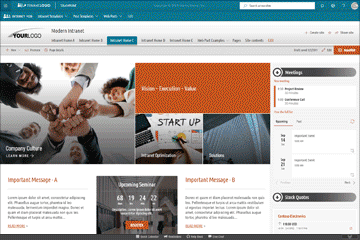
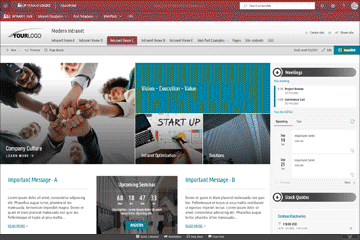
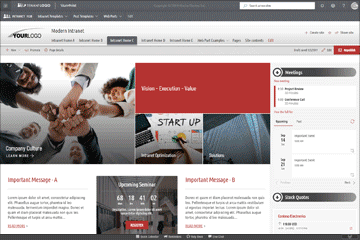
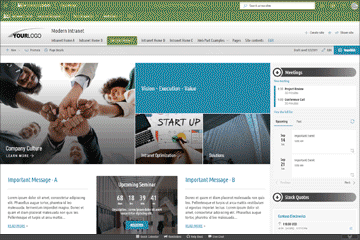
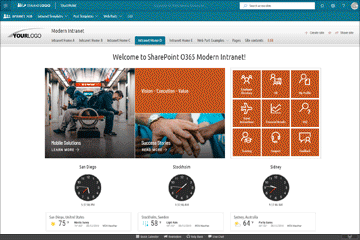
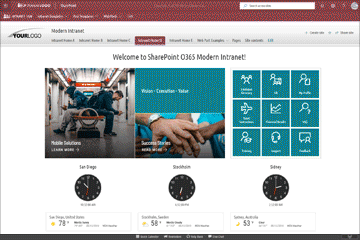
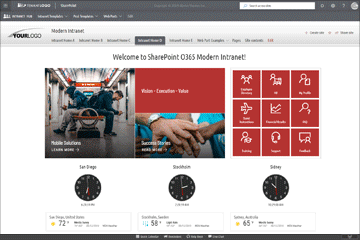
Stunning Templates and Themes for SharePoint Online and On-Premises
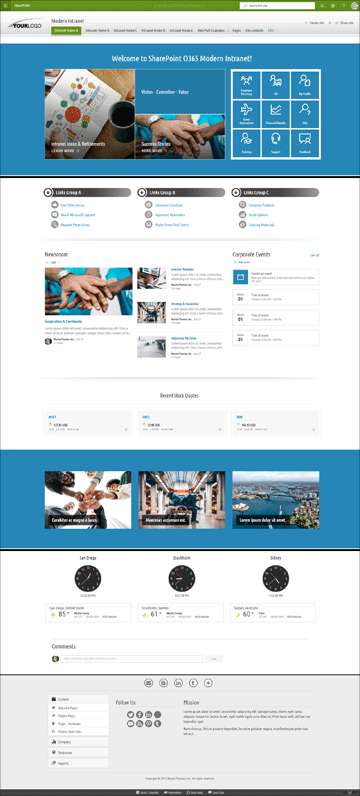
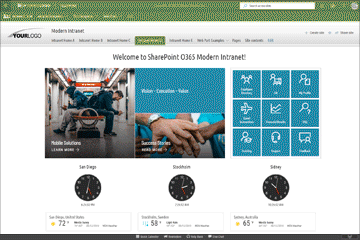
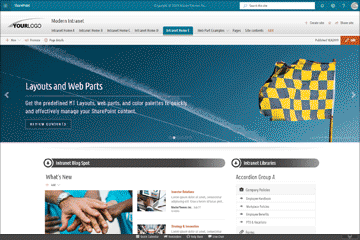
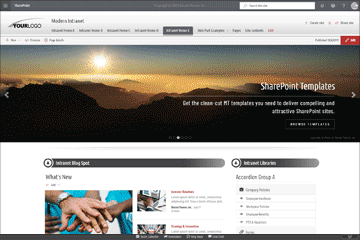
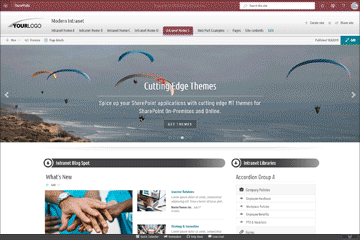
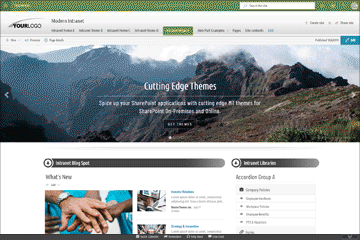
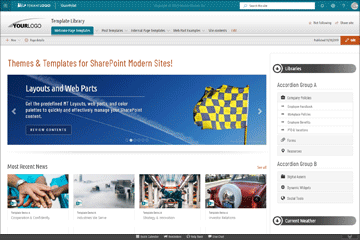
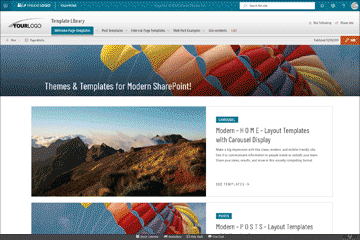
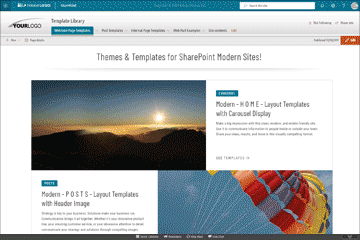
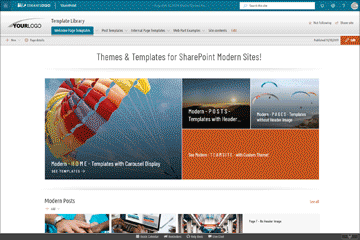
Branding Solutions for all SharePoint On-Premises and Online versions. Our Modern Templates and Themes are designed and developed for all site types available within SharePoint Online and SharePoint On-Premises. They fully support Communication Sites, Modern Team Sites, and Modern Document Libraries.
The Most Attractive Branding Solutions for all SharePoint On-Premises and Online versions. Must-have features to build your SharePoint sites.
Our SPFx Modern Theming Solutions are designed and developed for ALL modern site types available within SharePoint Online and SharePoint On-Premises 2019. They fully support Communication Sites, Modern Team Sites, and Modern Document Libraries.
SPFx Theming Solutions for ALL SharePoint Modern site types. Stunning Themes & Templates for SharePoint Online O365 and On-Premises
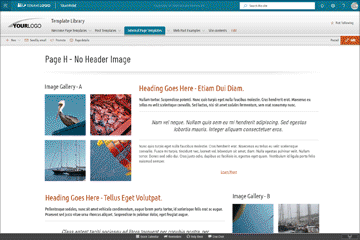
Our Modern Theming Solutions follow the standard SharePoint “out-of-the-box” structure. All items enclosed in offered bundles – predefined themes, or modern templates – work in the same way as default SharePoint components. All modern functionality, document libraries, out-of-the-box site templates, or other elements that ship with the SharePoint installation are fully supported by our themes as well.
SharePoint Intranet Design, Branding, Themes & Templates for SharePoint Intranet
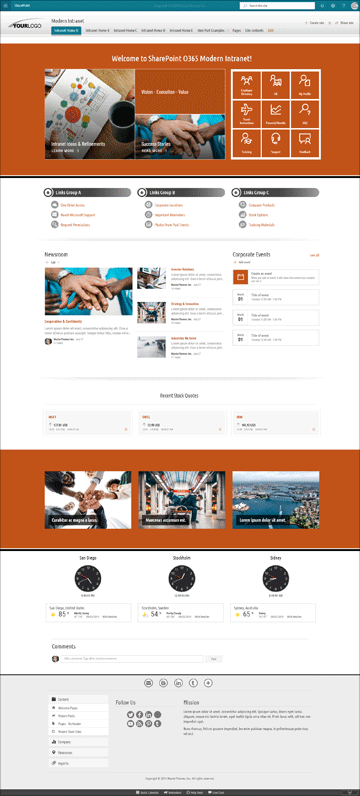
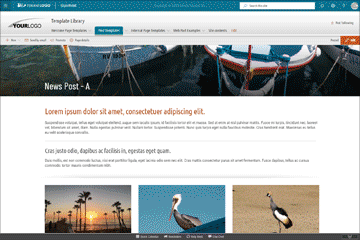
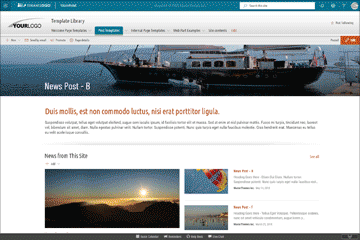
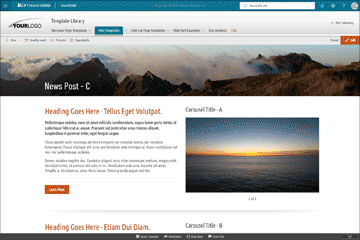
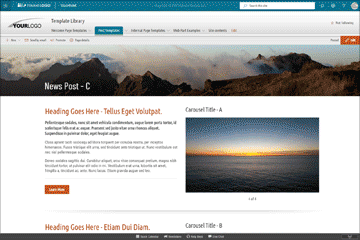
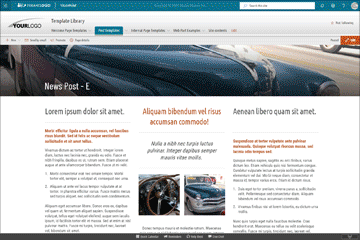
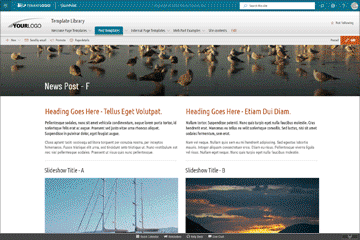
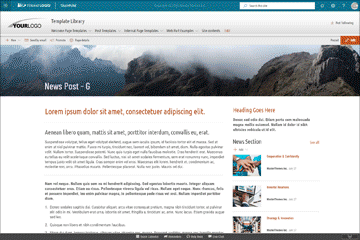
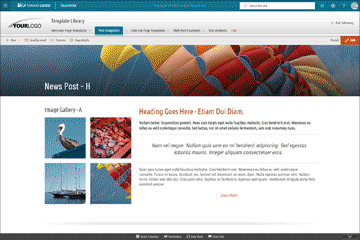
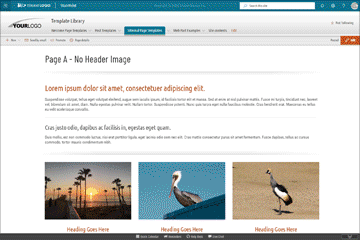
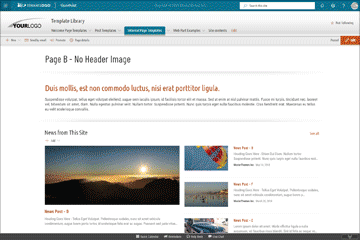
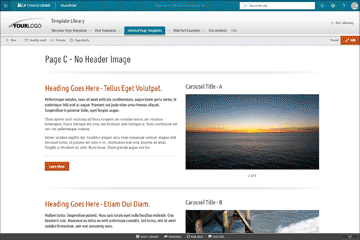
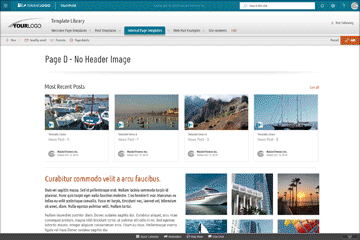
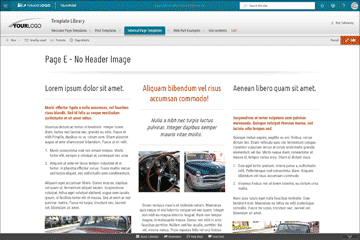
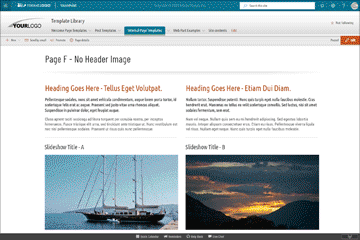
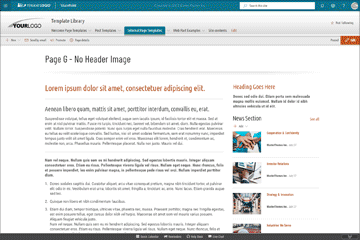
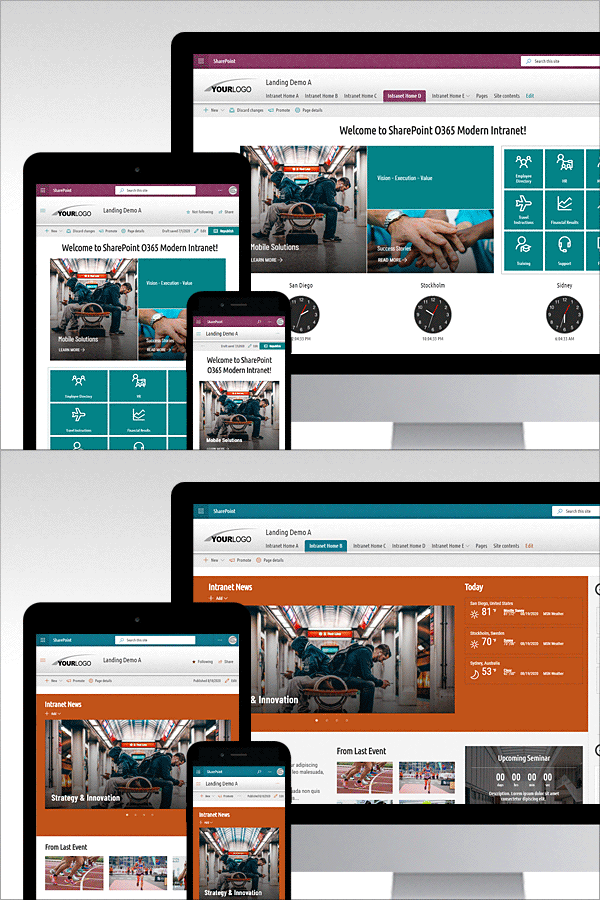
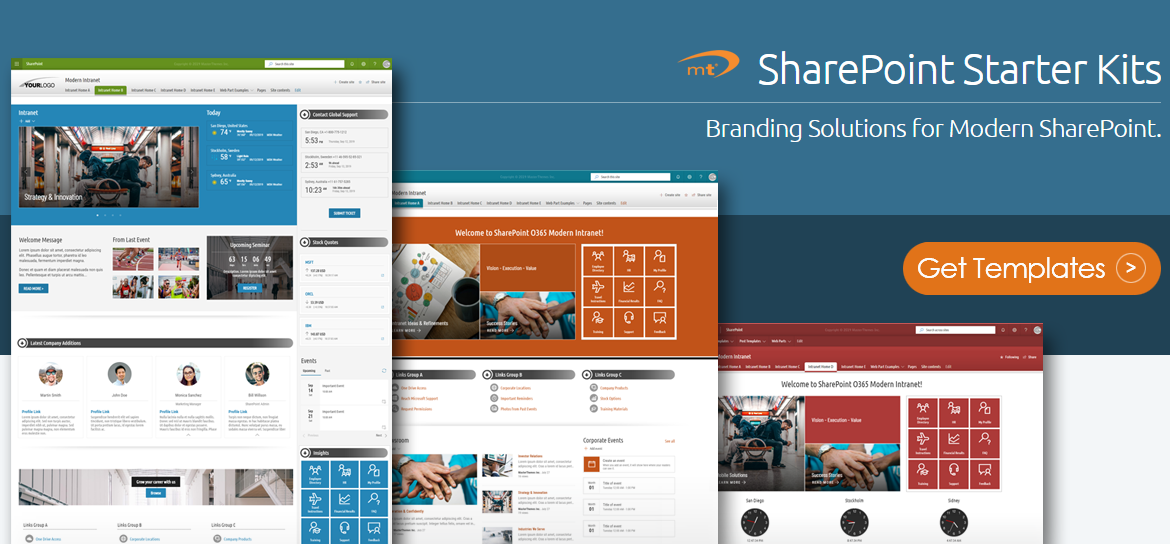
Be inspired with awesome intranet design templates. Out-of-the-box capabilities may not always be sufficient for your scenarios. Our modern theming solutions are delivered as bundles with various ready-to-use modern templates to help you quickly and efficiently build professional intranet sites within the SharePoint modern experience.
Exquisite Theme Packages for ALL SharePoint editions. Branding SharePoint On-Premises & Online
Unique predefined Theme Packages. Everything – master pages, predefined layouts, web parts, color palettes, etc. – is ready to be customized with a few edits. We can brand your SharePoint sites quickly and cost-efficiently simply by utilizing our Predefined Theme Packages. If you need help with adjustments or the customization of our themes, specify your needs and turn to us.
Device Friendly for all SharePoint site types
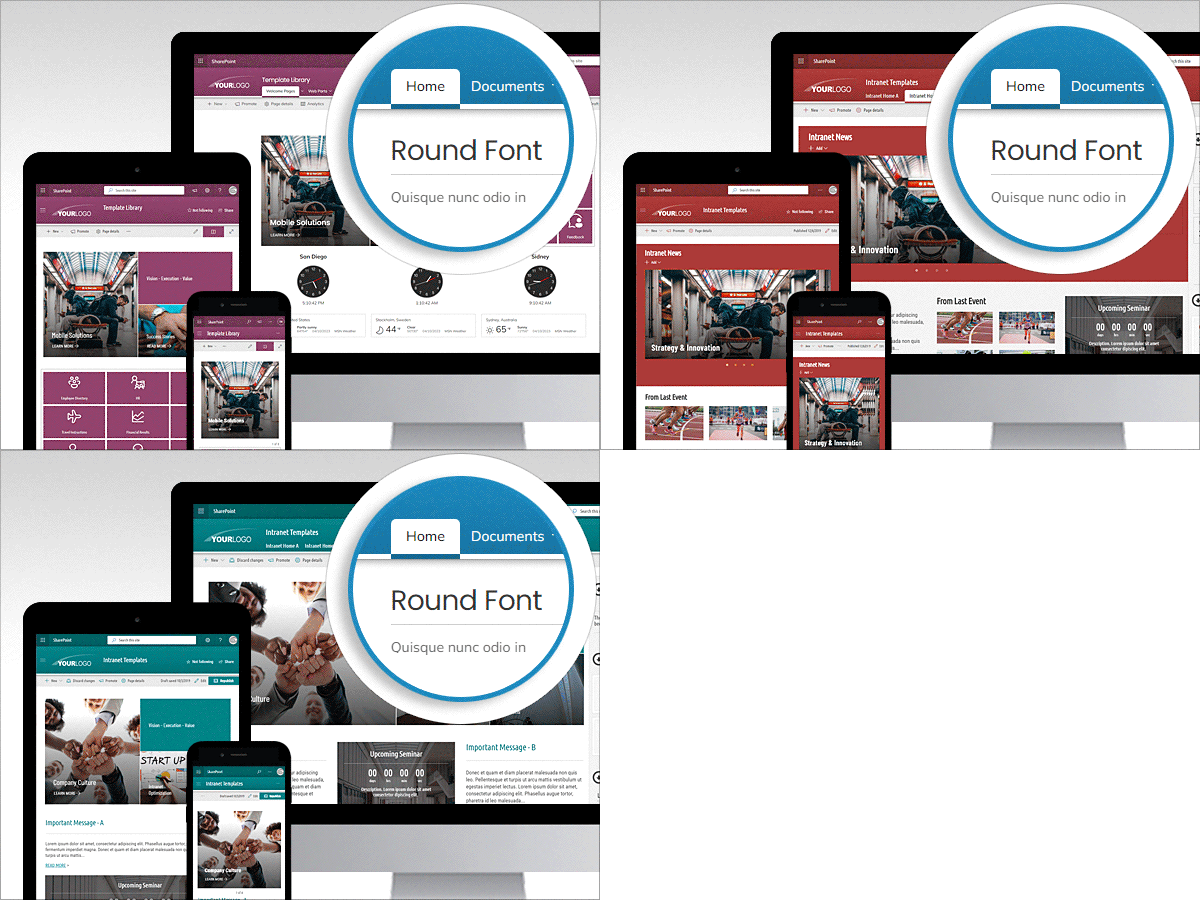
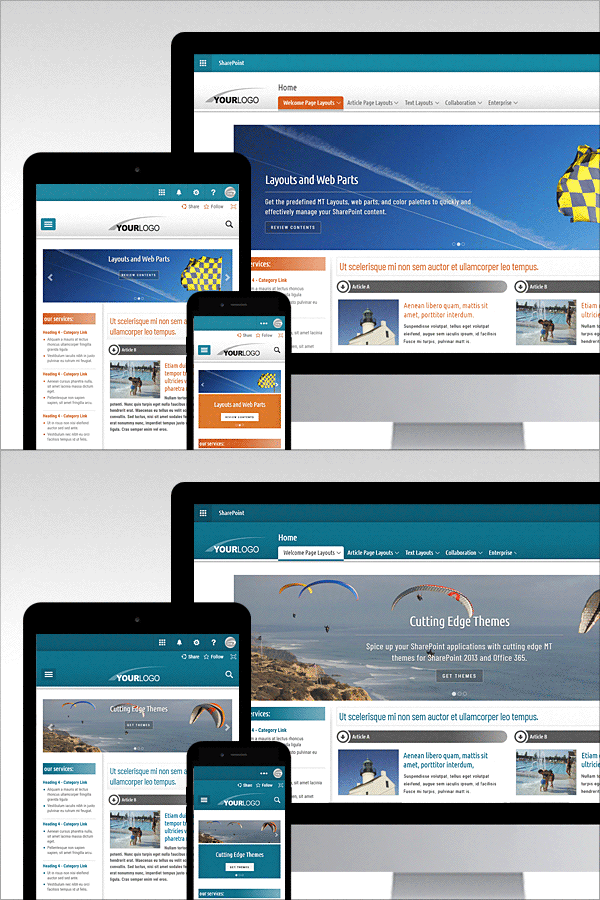
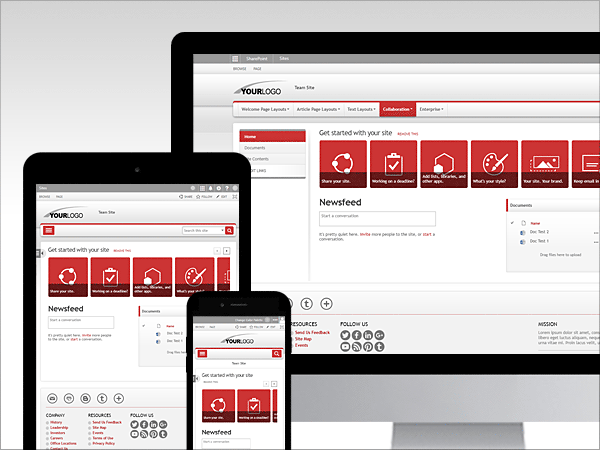
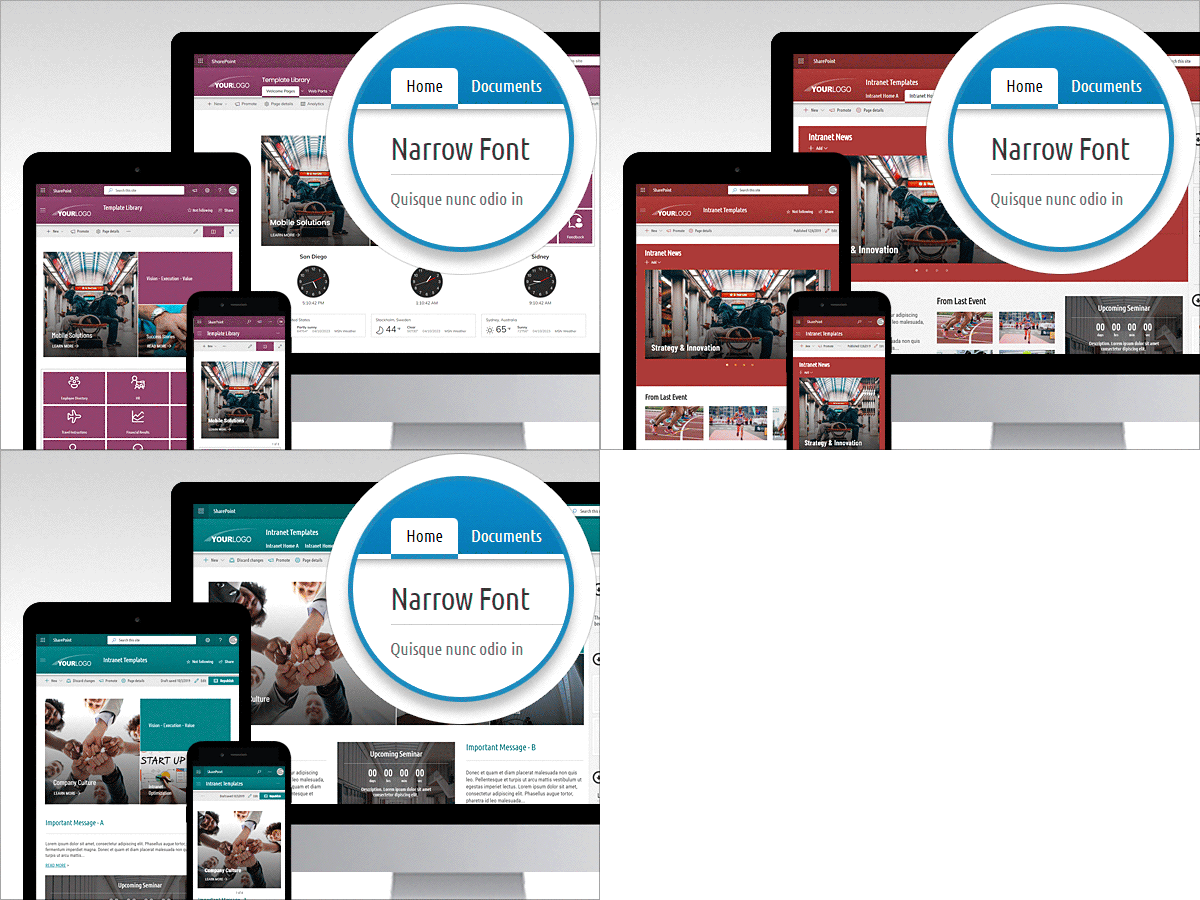
Our modern theming solutions feature a Responsive Design allowing adaptive views no matter the device you’re on – desktop, tablet, or smartphone. They are based on a responsive grid system used by out-of-the-box modern sites.
Remarkable Modern Design
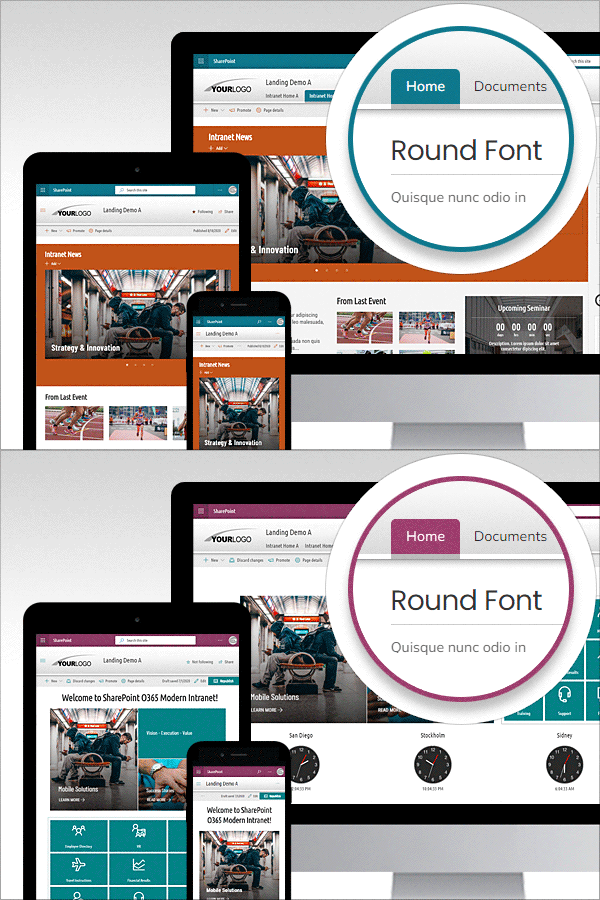
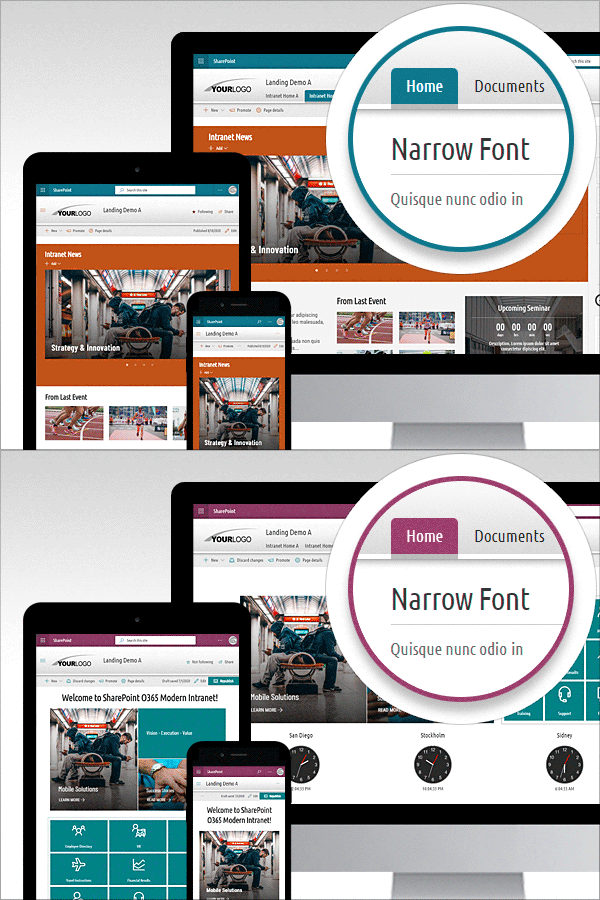
Appearance and readability are the top keys in the design of the user interface. Paying attention to every detail, our theming solutions bring clarity, readability and a carefully selected range of colors to all types of sites across the modern experience. With our solutions, you will be on your way to effective “Modern” site-development!
We understand the importance of visual appearance and readability and pay careful attention to every detail to make our themes the best. With our designs, you will be on your way to effective site-development!
Four Navigation Style Options per Site Header
The main navigation is delivered with four design options. The "Tabs" navigation appearance is applied by selecting the Standard layout mode for the site header. The rest of navigation appearances are associated with the Compact, Extended, and Minimal header layout modes.
Expandable / Collapsible Footer
One of the great advantages of this solution is the expandable / collapsible footer attached to sites simply by adding an app. One place to edit, one footer content displayed on each site globally. It is fully customizable and fully responsive. If necessary, you can turn it off or on again. The footer contains an accordion component that can be used as a global spot for various links or documents.
Predefined O365 Themes (Color Palettes)
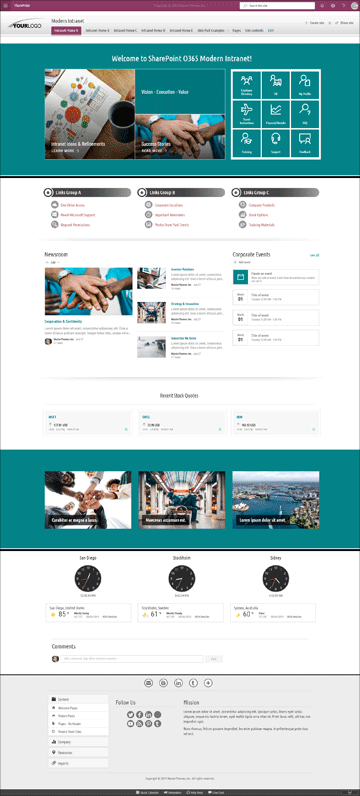
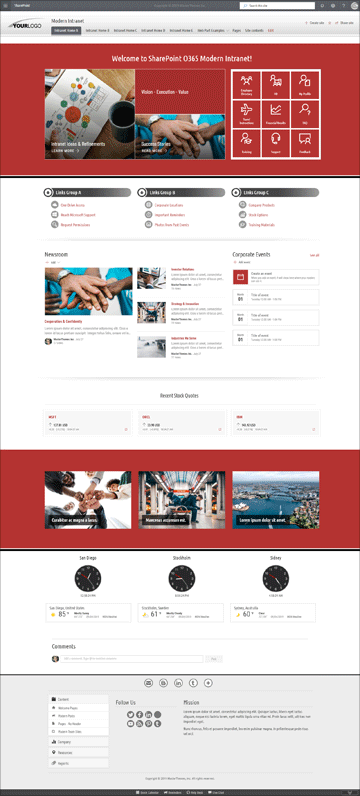
Our “Standard“, “Premium” or “Supreme” theme bundles are delivered with various ready-to-use modern color palettes (SPO themes predefined in a JSON schema). The bundle options offer either 12, 16, or 40 predefined SPO themes with the ability for quick color adjustments to match your brand identity.
Stylish Hub Navigation for SharePoint Online O365
After “adding an app” the HUB navigation becomes more prominent, matching colors from the suite bar area.
Just add an app
Quick deployment with “App” solutions (SPFx solutions). Our modern theme bundles come with detailed step-by-step installation instructions. In case you need help, contact us. We will happily assist you in setting up your new theme package via web meeting session.
Multiple Color Palettes
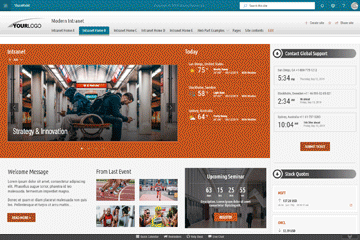
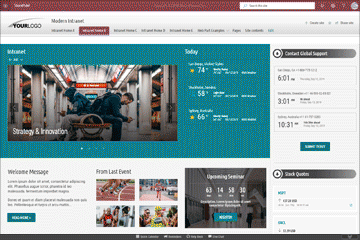
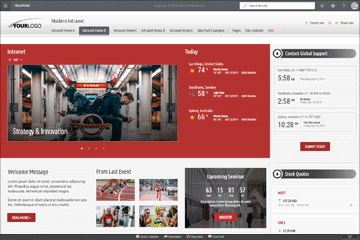
Our themes are designed to follow the standard Microsoft color palettes pattern. Just click “change the look” and select your preferred color palette – it’s as easy as that!
Easy Color Adjustments
Step-by step instructions on how to modify color palettes (*.spcolor) to match your corporate identity.
Predefined Content
Ready to use site collections, multiple web parts for easy customization, master pages and page layouts for all SharePoint site types.
Effortless Installation
Quick deployment with WSP solutions (design packages). Our packages come with detailed step-by-step installation instructions. In case you need help, contact us. We will happily assist you in setting up your new theme package via web meeting session.
 Sorry, the page you were attempting to access cannot be found.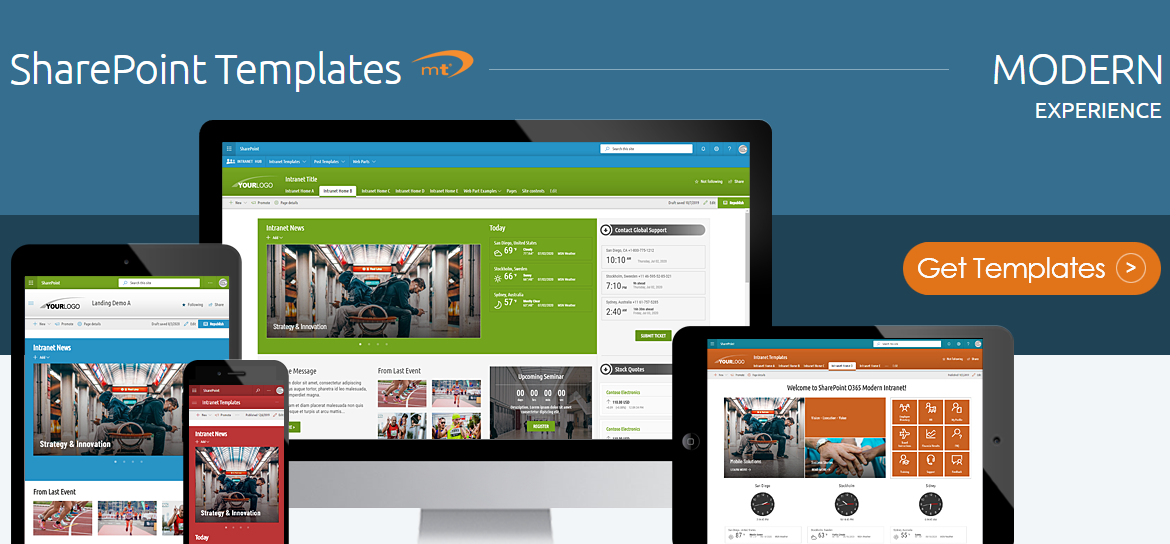
 $849.00